Stay with Spendee if
- You want bank accounts synced automatically.
- You organize money into several wallets and budgets.
Rizur vs Spendee
Both are expense trackers with a free plan. Spendee focuses on wallets, budgets, and bank sync on its paid plans. Rizur focuses on how fast you can log: say what you spent in your own words, or scan a receipt to get every line item, then review the result. Partner sharing in Rizur is free.
| Feature | Spendee | Rizur |
|---|---|---|
| Adding transactions | Manual entry, or bank sync on a paid plan | Voice, receipt photo, or typing |
| Bank sync | Yes, on a paid plan | No bank connection. Import a CSV from your bank instead |
| Free plan | Yes, with paid upgrades | Yes. Core tracking and manual entry are free, plus some free Voice Entries and Receipt Scans |
| Sharing | Shared wallets | Free partner sharing. Only entries you mark Shared are visible |
| Multiple currencies | Yes | Yes |
Compared in November 2026 from public information. Features and plans change, so check Spendee pricing. Spendee is a trademark of its owner; Rizur isn't affiliated with it.
Export your Spendee transactions as a CSV file, if your plan allows it.
In Rizur, go to Profile, tap Import data, and choose the file.
Match the columns, review the rows, and import.
A few useful answers
Rizur is designed to feel simple, while keeping the important details and decisions in your hands.
If you can export your transactions as a CSV file, yes. Yes. Rizur imports spreadsheet files (CSV or TSV). You match the file's columns to Rizur's fields, review the rows, and import them.
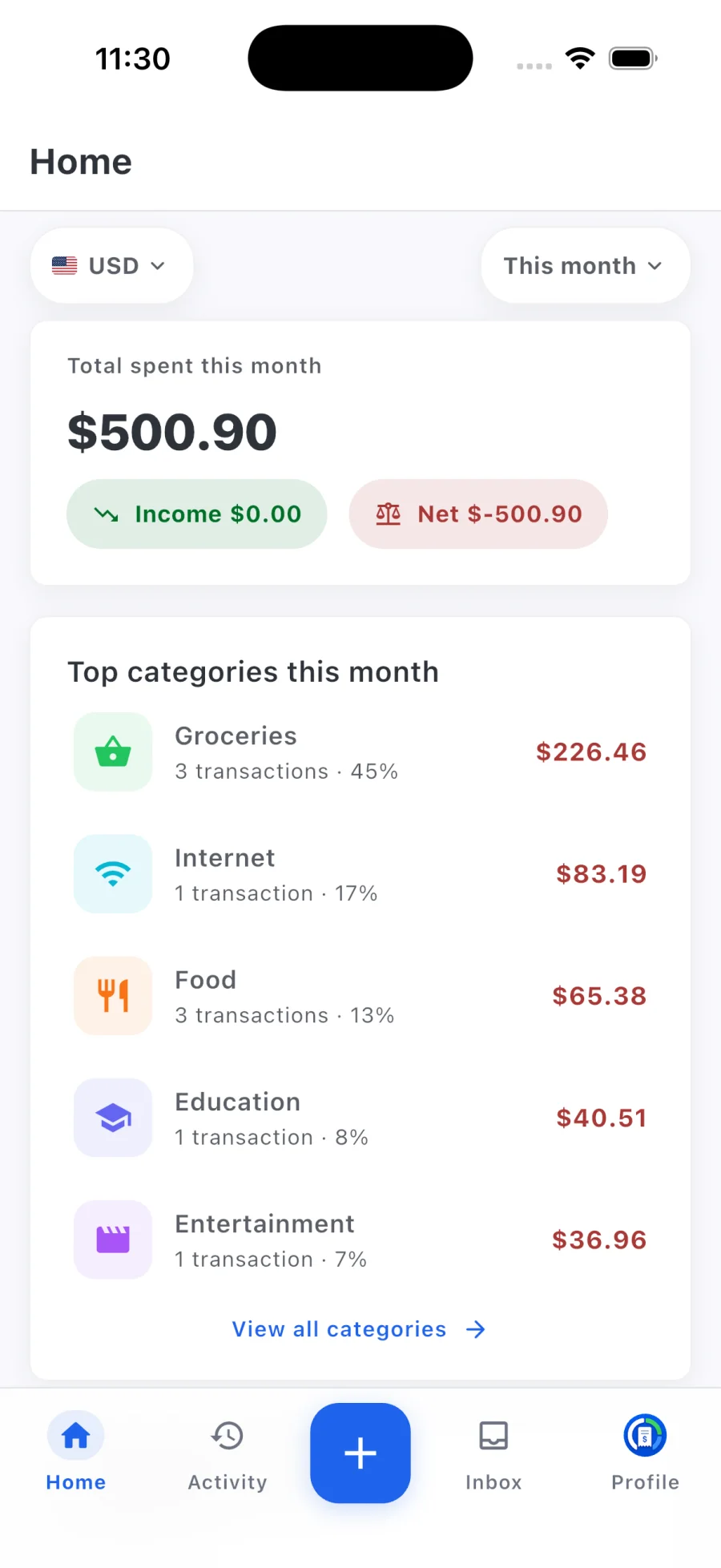
Rizur focuses on tracking: the dashboard shows spending, income, net flow, and top categories for the period you choose.
Yes, for free. Invite your partner, mark entries Shared, and you both see them plus what you spent together this month. Everything else stays private.